
Criminal Cases in the Stanly County Courts
North Carolina has one General Court of Justice. The official Stanly County courts hub does not identify a separate Albemarle or municipal criminal court. District Court handles misdemeanors and infractions first. It also handles the early steps of felony matters. A felony may then move to Superior Court through indictment or another lawful transfer route. Superior Court tries felony cases and hears appeals of misdemeanor and infraction judgments from District Court.
Stanly County sits in Prosecutorial, Superior Court, and District Court District 28. District 28 also includes Montgomery County, yet a Stanly County case file stays with the Stanly Clerk of Superior Court when it was filed here. The clerk maintains records for both trial divisions. The District Attorney prosecutes state charges, magistrates perform initial judicial functions, and the clerk records filings, hearings, dispositions, judgments, and sentences. Those roles are related, but the case file remains a court record rather than a sheriff report.
Stanly County Criminal Court Divisions
Identifying the court division prevents a common search error. A misdemeanor generally remains in District Court unless appealed. A felony can show early District Court events before its Superior Court proceedings appear. The same clerk serves both. The official Stanly County court contact directory separates the clerk, judges, District Attorney, magistrates, and court reporter by function.
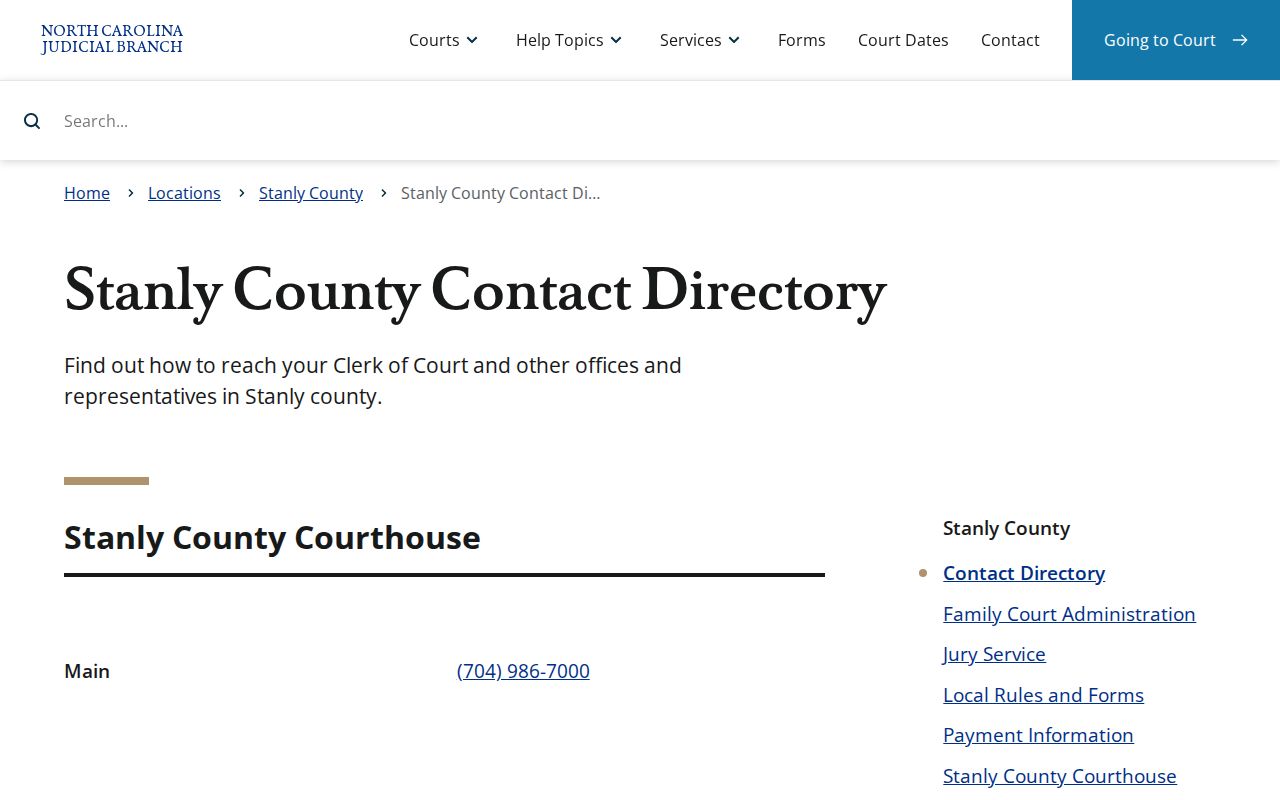
The directory gives case searchers the right path: call the clerk at 704-986-7000 for the file, District Court judges at 704-986-7012 for that office, Superior Court judges at 704-986-7016, magistrates at 704-986-7019, or the District Attorney at 704-986-7010. Judicial staff cannot replace legal advice, but the directory keeps a records question from going to the wrong office.
How to Search Case Records
Start with the North Carolina eCourts Portal for public case information. Anonymous public access is free, and registration is optional. Smart Search can use a party name or case number, while advanced controls can narrow the location, case type, status, or filing period. Follow this sequence for a Stanly County criminal case search:
- Open Portal and choose Smart Search, then set the location to Stanly when the inquiry is county-specific.
- Enter the party name or the case number. Use a wildcard only in the format described by the official Portal training.
- Open advanced filters when a common name returns too many results. Check case type, status, location, and filing date.
- Read the Case Summary and Register of Actions. Separate hearing or filing events from the final disposition.
- Use the courthouse terminal or ask the Stanly clerk for a paper pleading, older item, copy, or certified record.
| Field Label | Type | Required | Notes |
|---|---|---|---|
| Smart Search | Text | Yes | Defaults to party name or case number |
| Location | Dropdown | No | Select Stanly for a local result set |
| Party name | Text | No | Use at least three last-name letters plus * and one first-name letter plus * |
| Date of birth | Date criterion | No | Appears in Party Search Criteria |
| Case number | Text | No | Use at least four characters plus * for a wildcard |
| Filing date | Date range | No | Available under Case Search Criteria |
Search results are pointers to the file, not substitutes for reading it. Compare the court, charge, event dates, disposition, and judgment before deciding what the case record says.
Stanly County Criminal Smart Search
Portal includes Smart Search, Search Hearings, Make Payments, and NC Judgment Search. Smart Search is the better starting point for a name or case number. A North Carolina case number uses a two-digit year, letter case type, six-digit sequence, and three-digit county identifier. The official example is 21CR000003-910. A poorly formed wildcard, the wrong search type, or an overly narrow location can produce a false dead end.
The Judicial Branch's Portal training and Smart Search resources show how those controls work.
The training matters when Portal reports that no case matches. Recheck the name, case-number format, advanced search type, and Stanly location before treating the result as proof that no file exists. Edge or Chrome is recommended, and the court advises clearing the cache or trying a private browser window after an unexpected error.
What the Case File Shows
A Stanly County criminal court case file is broader than a booking entry or fingerprint history. Portal may display a Case Summary or Register of Actions with court assignment, public parties, events, disposition, hearings, and financial data. Public filed documents appear when available. The paper file may hold a pleading or older document that is not available for online download.
| Case Number and Court | Identifies the filing and whether District or Superior Court is handling the event. |
|---|---|
| Filed Charges | Shows the allegations placed before the court, which may differ from booking charges. |
| Register of Actions | Lists public filings and procedural events in date order. |
| Hearings | May show date, time, courtroom, and judicial officer when scheduled. |
| Disposition and Judgment | Records dismissal, acquittal, plea, conviction, or another resolved outcome when entered. |
| Sentence | States the court-ordered result and any public custody or supervision terms shown in the judgment. |
Only sections that contain data appear in Portal. An event is not always an outcome. A scheduled hearing, motion, or filing should not be read as a finding of guilt. Confirm the disposition and judgment, and match the name with the case number, date, court, and charge.
Stanly County Criminal Paper Files
Leave Portal when the needed item is a paper pleading, older record, certified copy, or detail that does not display online. The Judicial Branch court-record instructions explain the three public paths: online Portal access, free courthouse terminals, and the paper file held by the clerk in the filing county.
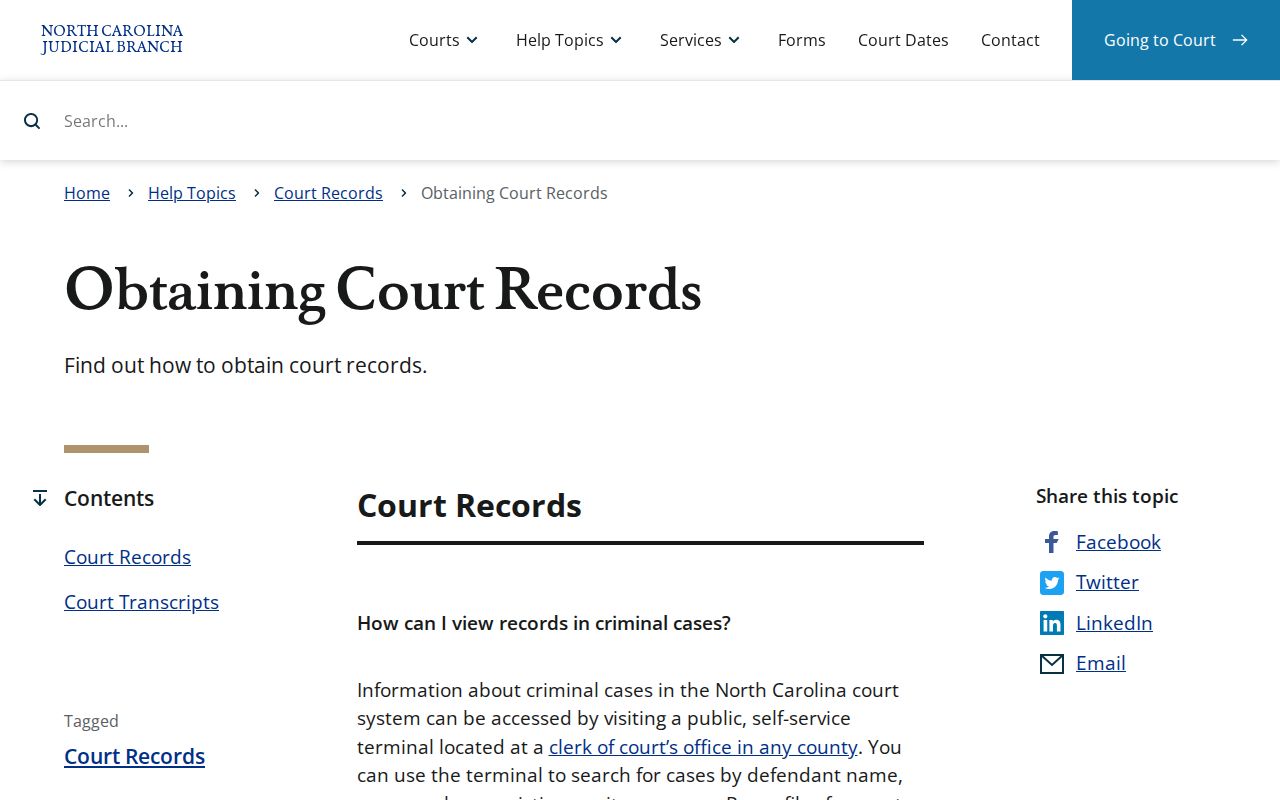
A public terminal in any North Carolina courthouse can search criminal case information by defendant name, case number, or victim or witness name. The search can cover one county or the state, and results may be viewed or emailed without a search fee. For a Stanly paper file, visit or contact the clerk at 201 South Second Street in Albemarle. Public hours are weekdays from 8:30 a.m. to 5 p.m. Mail goes to PO Box 668, Albemarle, NC 28002.
Note: The courthouse terminal is free to search, but printing and clerk-prepared copies can carry statutory charges.
Stages of a Criminal Case
A Stanly County criminal case may begin with a citation, criminal process, or arrest. A magistrate can perform initial judicial functions, including issuing process and setting release conditions within legal authority. A misdemeanor usually proceeds in District Court. A felony begins with preliminary District Court events, then moves to Superior Court after indictment or another authorized transfer. Superior Court handles arraignment, motions, a plea or jury trial, judgment, and sentencing.
Case flow: Charges Filed → Arraignment → Pretrial → Plea or Trial → Disposition → Sentencing
The record may also contain appeal activity after judgment. No official Stanly County source sets one universal local time for each stage, so a docket date should be read as the actual case-specific event. A missing next event may reflect scheduling, transfer, or a record update rather than a fixed deadline.
Stanly County eCourts Case Milestone
Stanly County changed systems on October 14, 2024, when eCourts Track 6 replaced legacy court systems in eleven southern and central Piedmont counties. Enterprise Justice, also called Odyssey, brought electronic filing and the near-real-time public Portal view. The change explains why current searches use new case-number and filter conventions while some older paper material may still require the clerk.
The official North Carolina eCourts overview tracks the statewide program and its tools.
All one hundred counties completed conversion by October 13, 2025. That statewide reach makes Portal useful beyond Stanly County, but a local paper file still belongs to the clerk where the case was filed. Systemwide online coverage does not turn the Portal view into a certified county search.
Access & Restrictions
North Carolina court files are subject to public access rules, including G.S. 7A-109, but public access is not absolute. Portal withholds confidential, sealed, and otherwise restricted records. Victims do not appear as public parties. Unreturned criminal warrants are restricted. Juvenile files also remain confidential under their own statutes, and an adult name-search method cannot be used to evade those limits.
The North Carolina Public Records Law works with these court and confidentiality rules. Online migration may not reproduce every older filing. If a known Stanly County criminal case does not appear, verify the search format and then ask the clerk whether the record is paper-only, restricted, sealed, or filed elsewhere. A public omission should not be filled with a guess.
Note: Portal is public case access, while the Judicial Branch directs formal certified county searches to the clerk.
Stanly County Criminal Copy Costs
The clerk offers several products that serve different record needs. Under G.S. 7A-308, copies cost $2 for the first page of each document and $0.25 for each added page. A certificate under seal costs $3, exemplification costs $10, and a criminal-record search costs $25. A certified name search uses Form AOC-CR-314 and covers Stanly County court records only. It is neither an SBI fingerprint history nor a statewide certified search.
| Clerk Product | Published Cost |
|---|---|
| First page of each document | $2 |
| Each additional page | $0.25 |
| Certificate under seal | $3 |
| Exemplification, a formal authenticated copy | $10 |
| Criminal-record search | $25 |
Mail payments accept a money order or certified check, but not cash or personal checks. At the counter, the clerk accepts cash, credit or debit card with processing fees, money order, or certified check. Personal checks are not accepted. Ask for the exact product needed, since a plain copy, certified copy, sealed certificate, and exemplified copy do not mean the same thing.